Nocturne

Keep everything. Nocturne remembers it for you.

Save notes, photos, voice notes and files without sorting them. Ask about any of it later, and each morning get one page of what needs you, all on your own computer.

  • Mac, Windows, Linux
  • Offline after setup
  • Free and open source
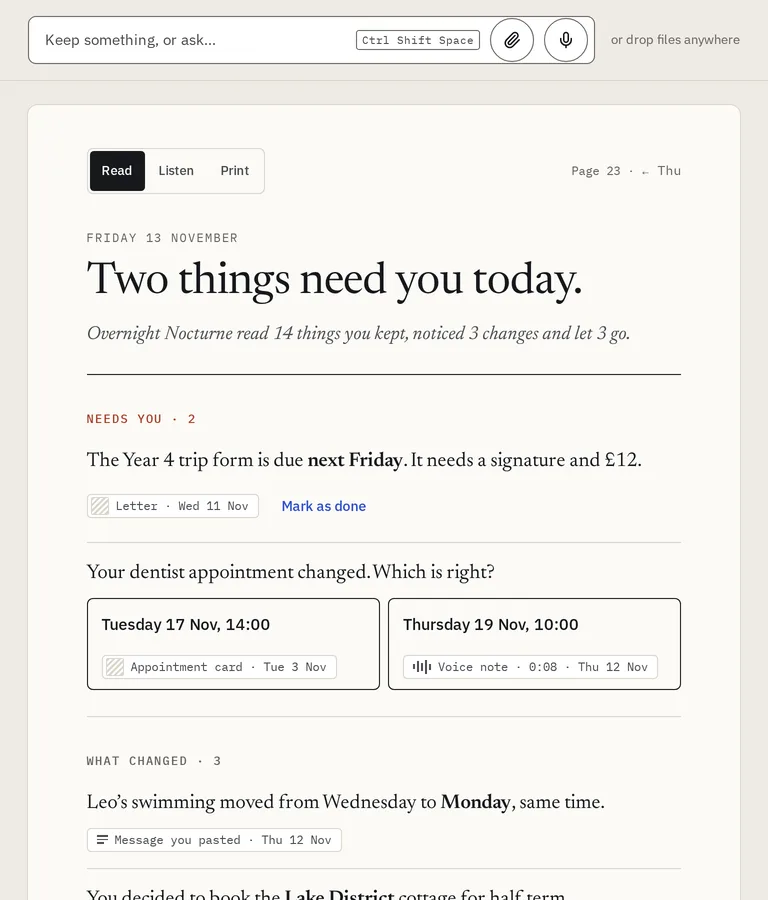
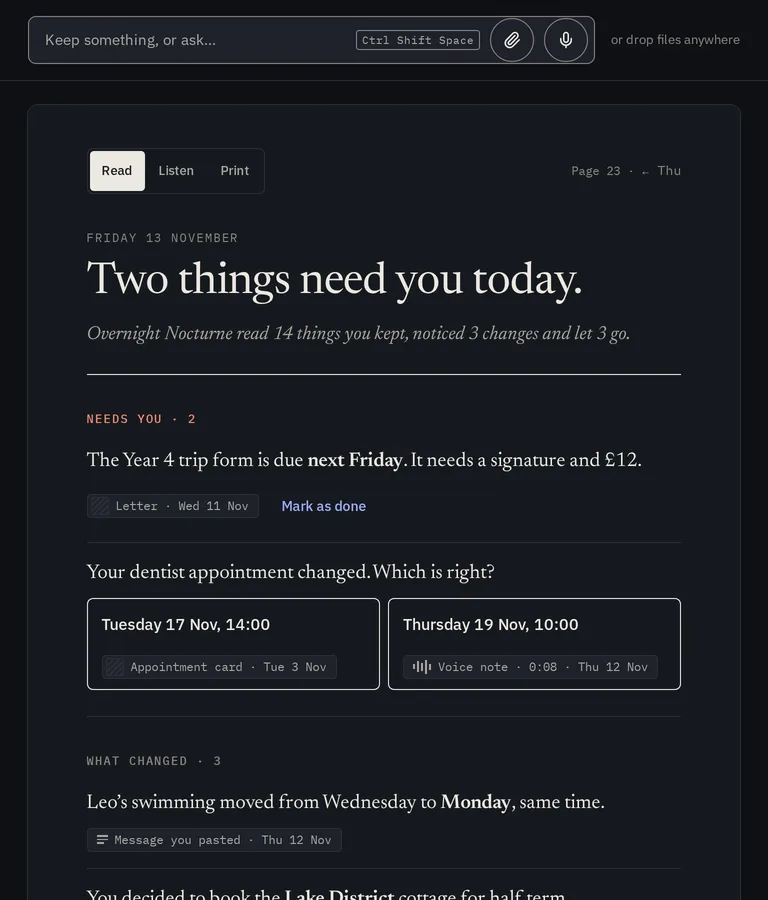
The morning page in Nocturne: Friday 13 November, two things need you today. The Year 4 trip form is due next Friday, with the letter it came from. The dentist appointment changed, with a choice between the card and the voice note. The morning page in Nocturne: Friday 13 November, two things need you today. The Year 4 trip form is due next Friday, with the letter it came from. The dentist appointment changed, with a choice between the card and the voice note.
The keep box with “Gran’s new number ends 4471” typed in, and Keep and Ask buttons. The keep box with “Gran’s new number ends 4471” typed in, and Keep and Ask buttons.
Keep it in one box, read it on the morning page. From the app, with demo data.

How it works

Keep it now. Read it once.

Keep · any time

Keep anything, file nothing.

Press Ctrl Shift Space, or Cmd Shift Space on a Mac, then type, talk, paste or drop a photo or a PDF. No folders, no tags. Nocturne says “Kept.” and you get back to your day. If it cannot read something, it tells you what to do.


The quick keep box with “Gran’s new number ends 4471” typed in, and Keep and Ask buttons. The quick keep box with “Gran’s new number ends 4471” typed in, and Keep and Ask buttons.
Recently kept: a photo still being read, voice notes and pasted messages marked understood, a password-locked PDF Nocturne could not read with what to do about it, and a voice note that needs you. Recently kept: a photo still being read, voice notes and pasted messages marked understood, a password-locked PDF Nocturne could not read with what to do about it, and a voice note that needs you.

Ask · any time

Answers with receipts.

Ask in plain words. Nocturne answers only from what you kept, with the originals underneath so you can check. When it does not know, it says so.

An answer to “What does Leo need for his trip?”: a packed lunch, and the trip form is due next Friday with a signature and £12. Below it, the two photographed letters it came from. An answer to “What does Leo need for his trip?”: a packed lunch, and the trip form is due next Friday with a signature and £12. Below it, the two photographed letters it came from.

The morning page · 07:00

Wake to what needs you.

Overnight, while the computer is plugged in and idle, Nocturne reads what you kept and notices what changed. In the morning you get a short list to read, hear or print. When two things disagree, it asks instead of guessing.

The morning page: two things need you today. The Year 4 trip form is due next Friday, with the letter it came from. The dentist appointment changed, with a choice between the appointment card and the voice note. The morning page: two things need you today. The Year 4 trip form is due next Friday, with the letter it came from. The dentist appointment changed, with a choice between the appointment card and the voice note.

What it promises

Your life stays on your computer.

Out of the box, Nocturne goes online only for downloads you agree to: its mind at setup and any update you allow. Privacy in the app lists each one with the day and the size.

Nothing to sign in to
No account, no analytics, no crash reports, no cloud copy.
Checked, not just claimed
Before a release, Nocturne is run with its network cut off from everything but this computer, and any attempt to reach further fails the check.
It forgets on purpose
Things you no longer use fade, and the page says when one is let go. Bring any back; forgetting for good always asks first.
One quiet note a day
When the page is ready, one note says so and how many things need you. Never what you kept.
Two extras, off until you ask
Away from home lets your own phone ask, keep and read your page, sealed so the company in between cannot read it. Online answers sends a question, and the few remembered sentences it needs, to one service you choose. Never anything marked private.
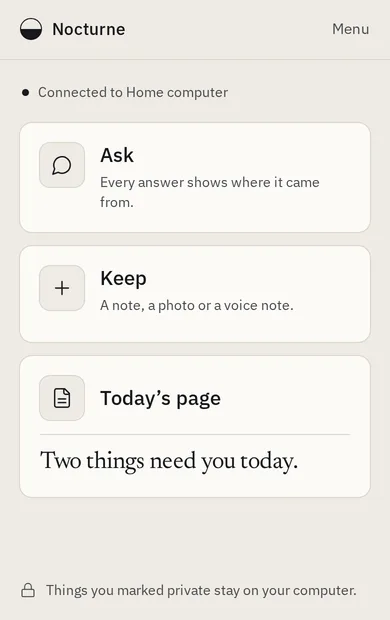
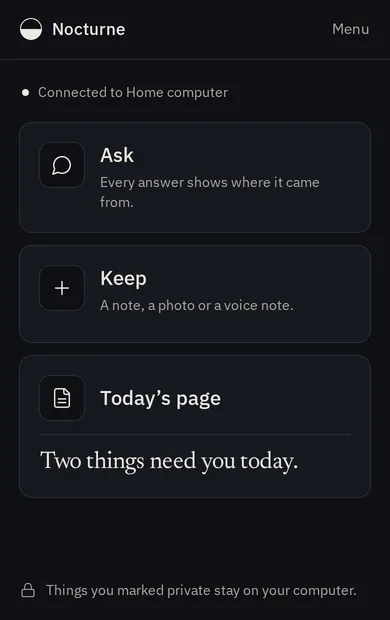
Nocturne on a paired phone: connected to the home computer, with Ask, Keep and today’s page, and a note that things marked private stay on the computer. Nocturne on a paired phone: connected to the home computer, with Ask, Keep and today’s page, and a note that things marked private stay on the computer.
Away from home on a paired phone, with demo data.

The engine

Built on Lemonade Lemonade

Nocturne’s thinking runs on Embeddable Lemonade, the portable build of Lemonade, the open-source local AI server. Nocturne ships its own copy, Lemonade 2026.46.2, that only this computer can reach.

Lemonade is free under the Apache 2.0 licence and built by its community, with optimisations by AMD engineers. Nocturne would not exist without it.

Requirements

Will it run on my computer?

Almost certainly, if it has 8 GB of memory: an 8 GB MacBook Air, or a typical 8 GB Windows or Linux laptop.

Memory
8 GB is enough. On an 8 GB computer Nocturne uses about 5 GB at its busiest and gives it back when it has nothing to do. With more memory it offers a larger setup with clearer answers.
A graphics card
No graphics card needed. Macs with Apple silicon, and computers with AMD or Intel graphics built in, run Nocturne on the chip and share the computer’s memory. An AMD or NVIDIA graphics card works too, best with 6 GB or more. Other computers run it on the processor.
An AI chip
Helpful, never needed. On some AMD computers with an AI chip and 16 GB or more, the AI chip reads your voice notes, so answers and the overnight tidy do not wait for them.
The system
macOS 26 or later on an Apple chip, Windows 10 or 11 (64-bit), or 64-bit Linux on Intel, AMD or Arm.

Large

60 GB+ memory · 28 GB space

Clearer answers to harder questions.

Standard

28 GB+ memory · 11 GB space

Many recent laptops with 32 GB.

Small

14 GB+ memory · 7 GB space

Same page. The overnight tidy takes longer.

Tiny

6 GB+ memory · 5.2 GB space

Made for 8 GB computers. Simpler answers that may miss details.

Downloads at setup are between about 3 GB and 26 GB, depending on the setup. After that, Nocturne works with no internet at all.

Get Nocturne.

Free and open source, for Mac, Windows and Linux. Download it, open it, and it sets itself up for the computer it is on.